
Easily create metric tracking tables using Spark Declarative Pipelines in Databricks
Summary
The video demonstrates how to create metric tracking tables in Databricks using Spark Declarative Pipelines. It shows how to use the create_auto_cdc_from_snapshot_flow function to automatically track changes in a materialized view over time, enabling historical analysis for dashboards.
Summary generated by brickster.ai from the video transcript.
More from Databricks Skill Builder
 News
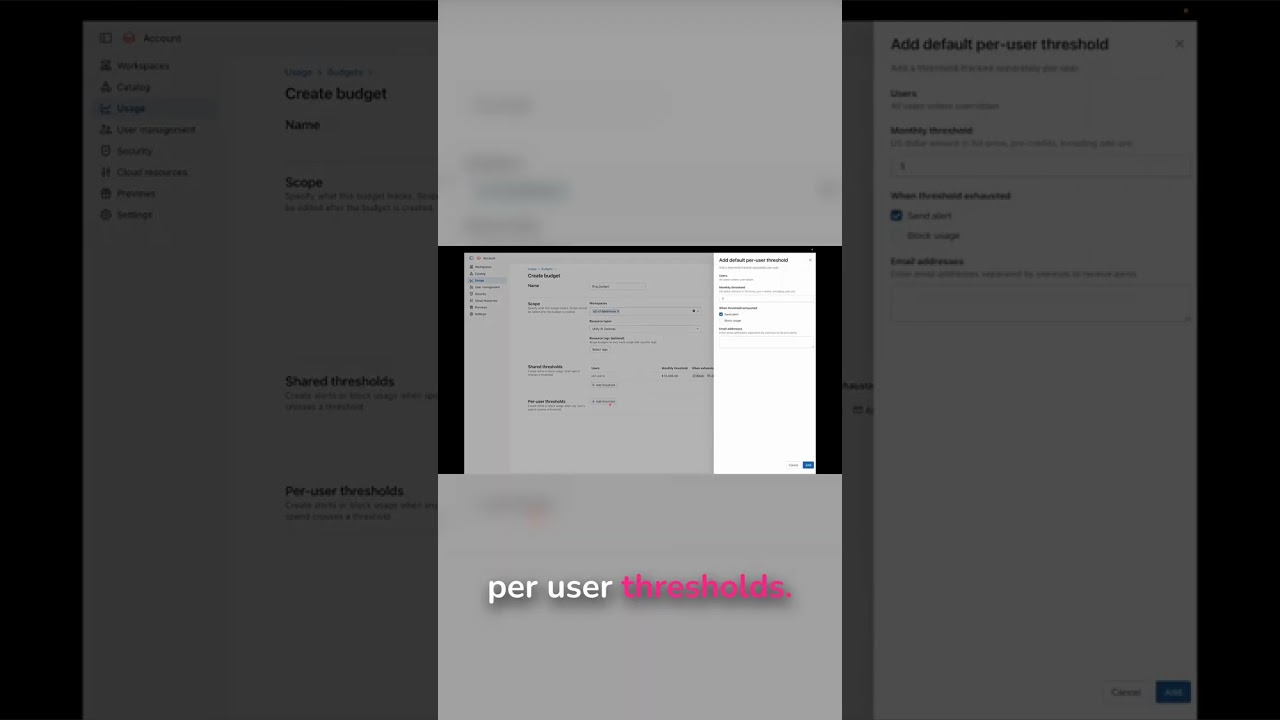
NewsConfigure Budget Thresholds for AI Models
Databricks allows you to configure shared budget thresholds (with a $10,000 cap and usage blocking) to control overall AI model spending. You can also set per-user budget limits (such as $5,000) with alert notifications to monitor individual consumption when certain users dominate budget usage.
 News
NewsAzure Pipelines: Triggering Deployments Based on Branches
Azure Pipelines YAML uses branch-specific triggers to automatically deploy code to different environments based on which branch receives the push. Dev branch deployments go to a dev workspace while main branch deployments go to prod workspace after PR approval.
 News
NewsMonitor LLM Usage & Prevent Data Leaks with Traces
Databricks Unity AI gateway's traces feature lets admins monitor all LLM usage and verify that sensitive data hasn't leaked. Traces provide a comprehensive view of all LLM activities to ensure security and compliance across the platform.
 News
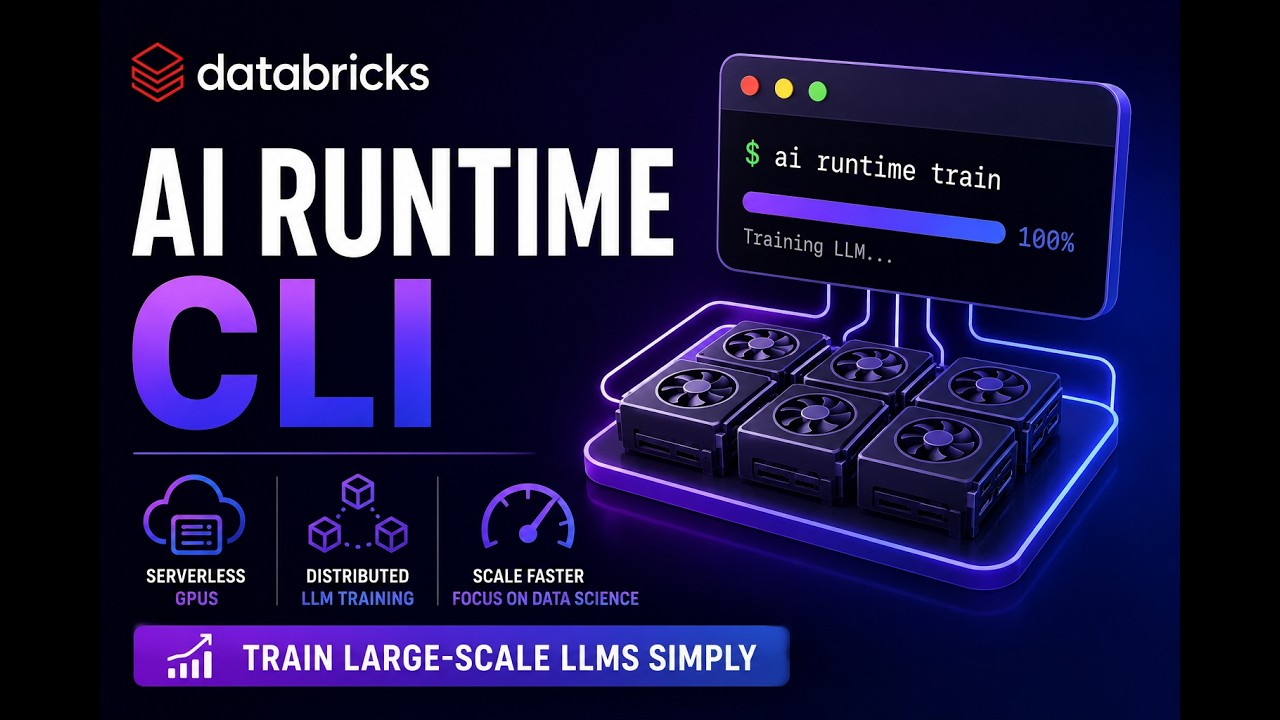
NewsAI Runtime CLI | Serverless GPU LLM Training
Databricks AI Runtime is a CLI tool that enables distributed LLM training on serverless GPUs using YAML configuration files, supporting deployments up to 256 H100 GPUs with built-in MLflow experiment tracking and hardware metrics. Users develop training code locally in their preferred environment and submit jobs via CLI commands that automatically handle infrastructure provisioning, log streaming, and performance monitoring.
 News
NewsSet AI Budgets & Control Spending in Databricks!
Databricks admins can configure spending budgets for individual users, workspaces, or groups through the AI Gateway's govern section to prevent overspending. The demo shows creating a named budget and selecting resource types like Unity AI Gateway to define which models and resources are subject to the budget limits.
 News
NewsDatabricks AI: PII Blocking for Data Privacy!
Databricks PII blocking creates input guardrails that prevent personally identifiable information from reaching AI models before processing. The feature allows users to configure and apply PII blocking policies across their account to protect sensitive data.