
Databricks Metrics - create a semantic layer and improve data engineering
Description
Stop hard‑coding business numbers—use Metrics Views in Databricks! 📊 Move magic numbers like 4 / 5 / 7 out of your code, store them as governed measures, and let the business own the updates—all inside Unity Catalog. 🪄 How to set it up (60 sec): 1️⃣ CREATE METRICS VIEW – write a simple SQL CREATE METRICS VIEW … AS SELECT that defines each measure. 2️⃣ REGISTER IN UNITY CATALOG – add the view to the catalog so lineage, ACLs, and search work automatically. 3️⃣ LET THE BUSINESS EDIT – analysts can update those metrics right in the UC UI; your pipelines pick up changes instantly. Result: cleaner code, single source of truth, and zero last‑minute “change the constant!” panics. 🚀 📚 Learn More End the Data‑Engineering Nightmare with Metrics (deep dive & sample SQL): https://databrickster.medium.com/end-the-data-engineering-nightmare-with-metrics-da1b856c28f6 Databricks Metrics Views: SQL Analytics Guide (Sunny Data blog): https://www.sunnydata.ai/blog/databricks-metrics-views-sql-analytics-guide 🔔 Subscribe for weekly Lakehouse shorts: https://www.youtube.com/@hubert_dudek/?sub_confirmation=1 ☕ Support the channel: https://ko-fi.com/hubertdudek =========================…
Description from YouTube. Full content on the video page.
More from databricks MVP Hubert Dudek
 News
NewsDatabricks News: ZeroOps, DABs, Indexes, Genie, sandboxes, migration from PowerBI, secrets
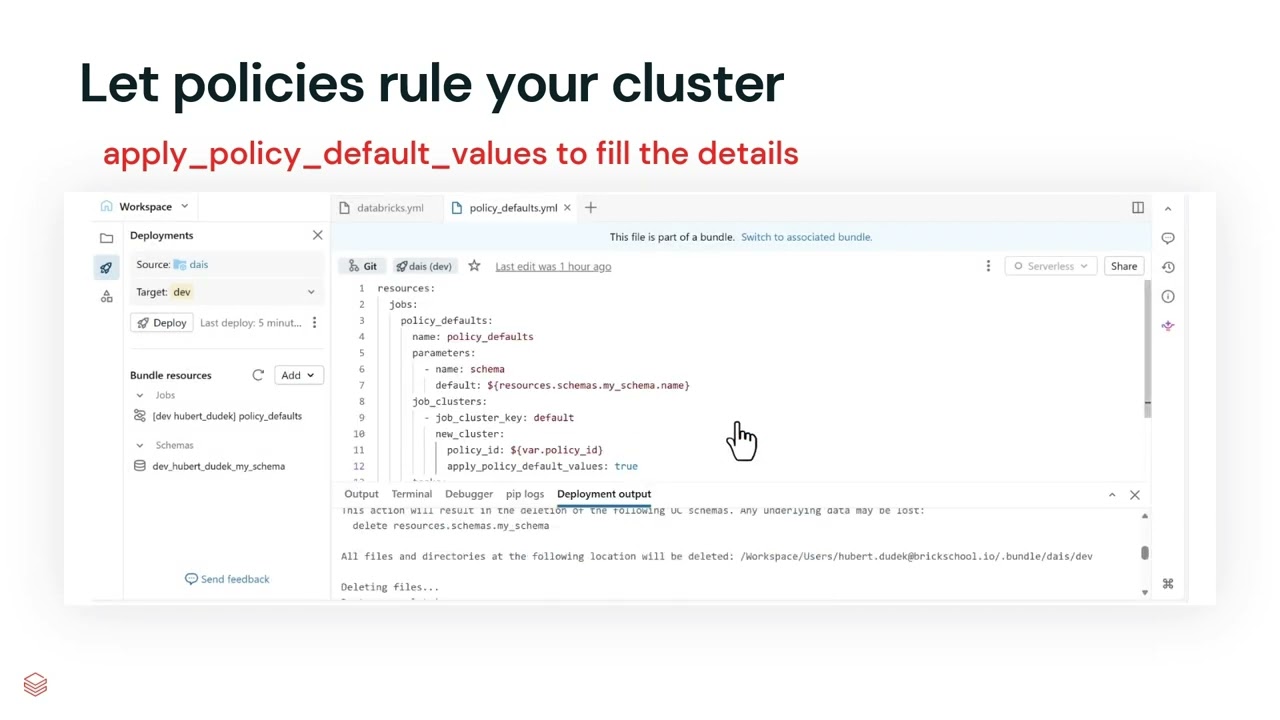
Zero Ops automatically detects errors in jobs and data quality with lineage analysis and proposes code fixes, while DABs now default to direct mode instead of Terraform with automatic state migration. Full-text search indexes deliver 400x faster queries on billion-row tables, Genie automatically converts PowerBI dashboards to Databricks metric views, and Unity Catalog secrets support granular read and reference-only permissions.

 News
NewsDatabricks News: RT Lakehouse (Reyden), Lakebase, TTL
This video highlights recent Databricks updates, including the beta release of the high-performance "Raiden" real-time lakehouse engine and new lakeflow connectors. It also demonstrates administrative changes to user groups, new time data types, predictive optimization TTL deletes, user home volumes, and advanced search capabilities in Lakebase.

