
From Notebook to Production: MLOps Quickstart
Summary
The video demonstrates how to apply MLOps best practices on Databricks using a quickstart repository, covering data ingestion, feature preprocessing, model training, deployment, and inference. It showcases Databricks tools like MLflow and Unity Catalog for managing the ML lifecycle, including version control, experiment tracking, model governance, and automated deployment across development and production environments.
Summary generated by brickster.ai from the video transcript.
More from Databricks Skill Builder
 Tutorials
Finally, a Simple Way to Deploy Databricks Hybrid Workspaces
The video introduces the platform deployment kit, a web user interface designed to simplify the creation of Databricks hybrid workspaces without manual coding. It demonstrates how to use the tool to configure network, storage, and security settings, generate the corresponding Terraform template, and execute the deployment.
 Tutorials
GenieCode Explained: Instructions & Skills
GenieCode personalization uses Instructions, Skills, and MCP servers to enforce organizational standards at workspace or user levels. A live demo shows these features in action, applying custom rules for PII handling, naming conventions, and SQL-based architecture in data pipeline generation.
 Tutorials
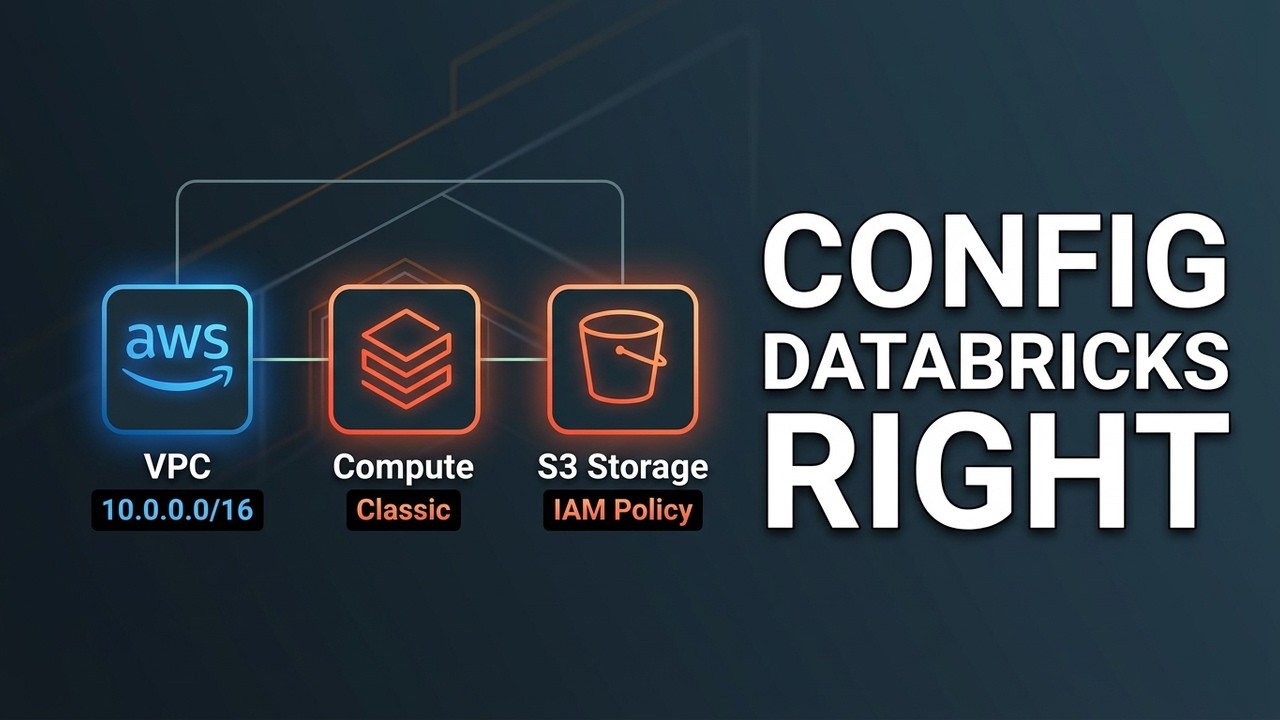
The Right Way to Configure Databricks on AWS (Step-by-Step)
Deploying a Databricks workspace on AWS requires creating a cross-account IAM role, VPC with security groups, S3 bucket, and a read/write IAM role to enable the Databricks control plane to provision compute resources in your AWS account. The process involves configuring each AWS resource with specific settings in both the AWS console and Databricks console, then provisioning the workspace which activates within minutes.
 Tutorials
Deploy an Azure Databricks Serverless Workspace in Under 2 Minutes | Step-by-Step Tutorial
Deploy an Azure Databricks serverless workspace through the Azure portal by selecting your subscription and resource group, configuring the workspace name, choosing your region and premium pricing tier, then reviewing and creating the deployment. The entire process takes approximately 2 minutes to complete.
 Tutorials
Connect VS Code to Databricks: The SSH Tunnel Guide
Databricks' SSH tunnel feature lets you connect local IDEs and coding agents directly to your workspace, enabling you to edit and run code on Databricks compute while keeping files automatically synced. The connection supports multiple IDEs through either CLI commands or an extension, with options for serverless compute, GPU acceleration, and base environment management to avoid reinstalling dependencies.
 Tutorials
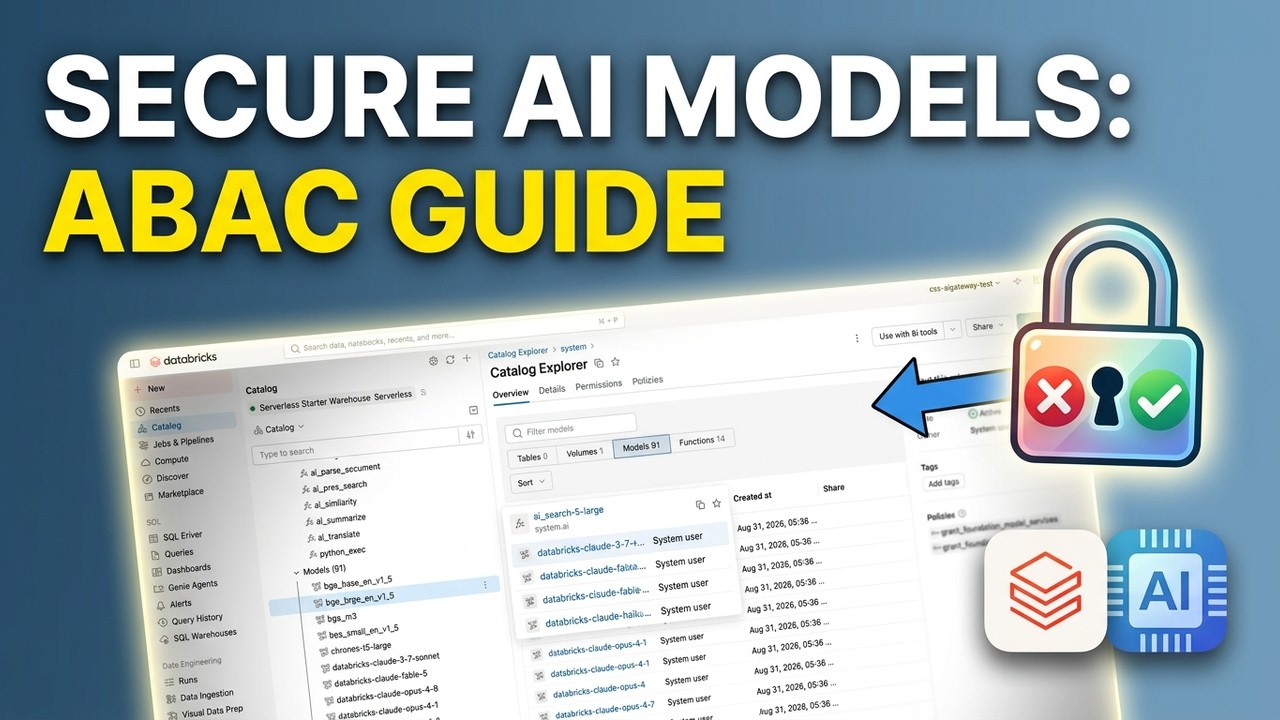
Govern Models and Model Services Using ABAC Grant Policies
Databricks models and model services can be opted out of using catalog tags combined with attribute-based access control grant policies. Executing this setup requires applying tags to specific models, writing programmatic policies with exclusion statements, and revoking schema-level permissions.