
Databricks VS Code: Multiple Projects In VS Code Workspace
Summary
The Databricks VS Code extension allows you to add multiple project folders to a single workspace for mono-repos or separate repositories. You must switch the active workspace folder to work with different projects, as each maintains its own configuration and authentication.
Summary generated by brickster.ai from the video transcript.
More from Dustin Vannoy
 News
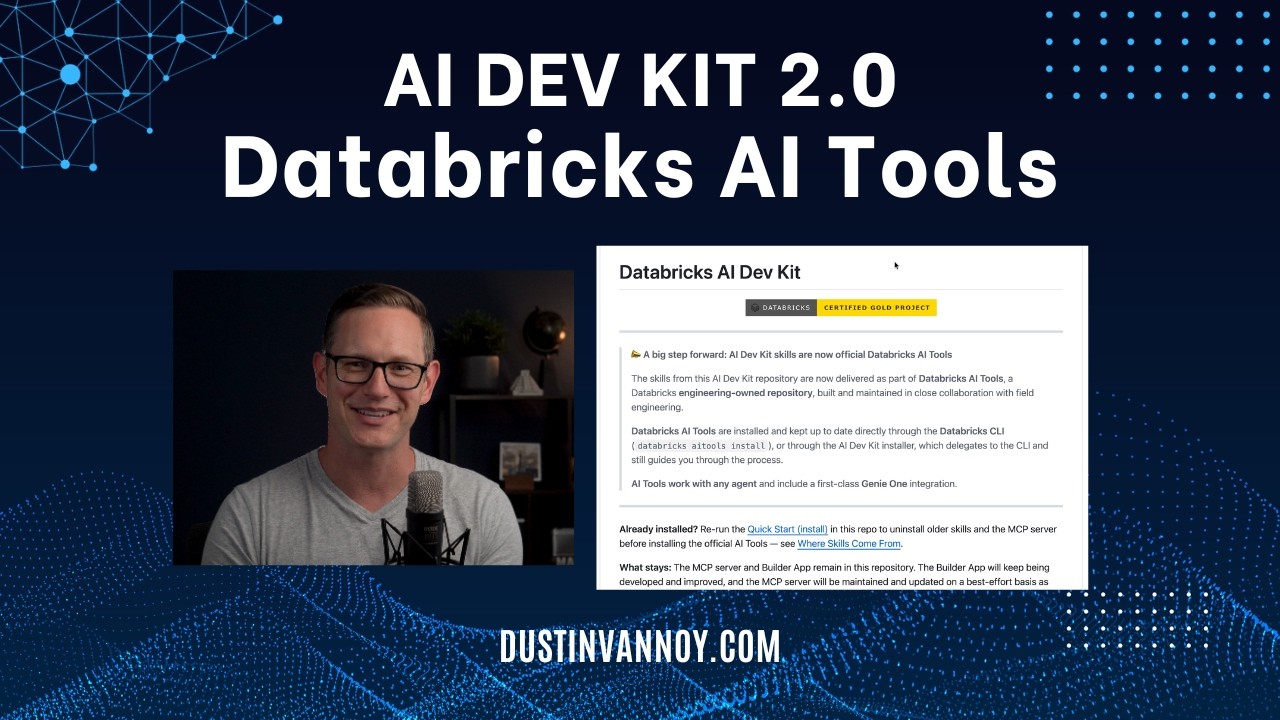
NewsAI Dev Kit 2.0: Databricks AI Tools
AI DevKit 2.0 moves Databricks' agentic coding tools from standalone installation to the official Databricks Agent Skills repository, now installed via the Databricks CLI with improved features and consolidated skills. Users must uninstall the old AI DevKit version and reinstall from the new location, with the MCP server available as a separate optional component.
 Tutorials
Databricks AI Dev Kit: Install for Copilot + VS Code
The video demonstrates how to install the Databricks AI Dev Kit for Visual Studio Code with GitHub Copilot on Windows, guiding users through the installation script, profile configuration, and skill selection. It then shows how to enable the Databricks tools in Copilot chat and tests its functionality by generating code and executing SQL queries against a Databricks workspace.
 Tutorials
Databricks AI Dev Kit Demo - Install, DataGen, SDP, Dashboard
The video demonstrates installing the Databricks AI Dev Kit on a Mac, then uses it to generate synthetic data, create serverless Spark declarative pipelines for a medallion architecture, and build a Databricks dashboard based on the generated data. It highlights how the AI Dev Kit leverages skills and an MCP server to automate these development tasks.
 Releases
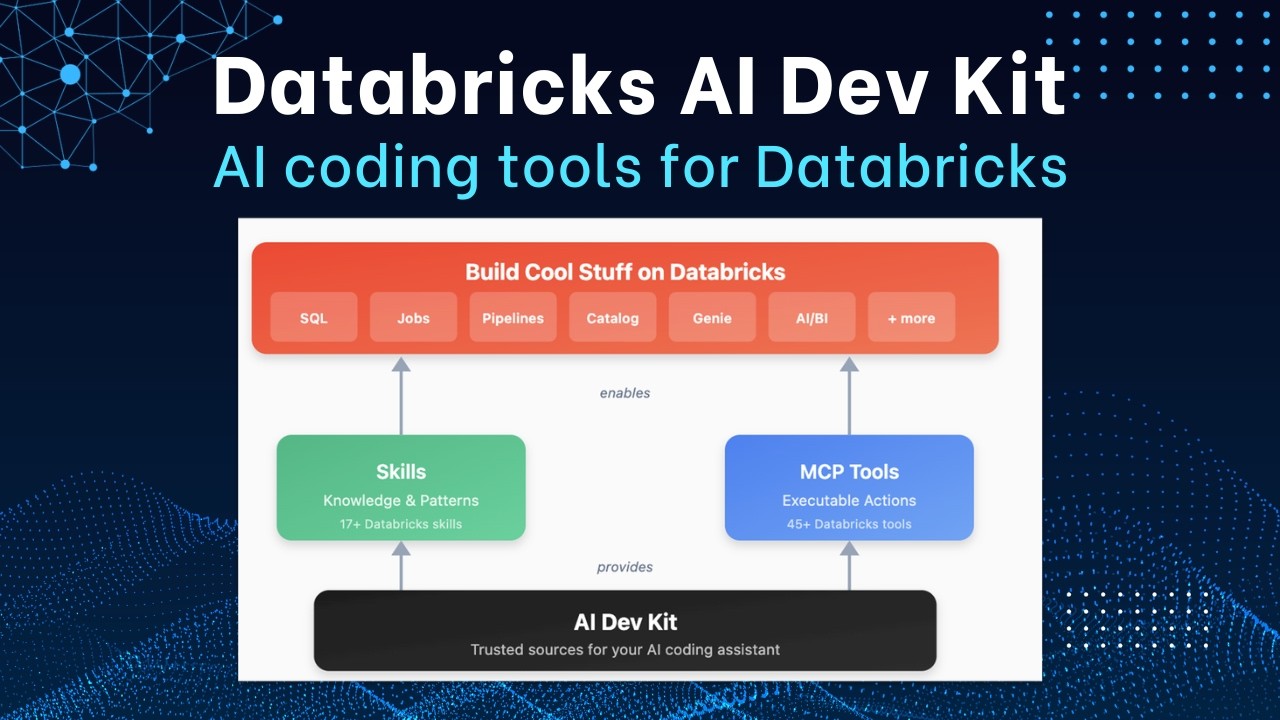
Introducing Databricks AI Dev Kit - Skills, MCP server, Builder App
The Databricks AI Dev Kit provides agent skills, an MCP server, and a Builder App to enhance AI-driven development on Databricks. It allows users to integrate AI coding tools with Databricks best practices, extending LLM capabilities through specialized functions and offering a chat-based interface for building applications.
 News
NewsAI-Driven Development
AI-driven development is a workflow where AI is the primary engine for generating, validating, and maintaining code, shifting the developer's role to directing the AI. Key concepts include the context window (the amount of text an AI model can consider), tokens (processing units for text), and tool use (AI invoking external functions).
 News
NewsClaude Code: 5 Essentials for Data Engineering
The video introduces five essential concepts for using Claude Code in data engineering: the cloud.mmd file for core project information, skills for packaging expertise, commands for predefined prompts, sub-agents for focused tasks, and Model Context Protocol (MCP) for standardized tool interaction. These components help manage context and memory for effective AI-enhanced development.