


Integrating External AI Models with Databricks
Summary
The video demonstrates adding an external OpenAI endpoint to Databricks by entering a provider name, API key, and selecting a model version. Once created, the endpoint is ready for use within Databricks.
Summary generated by brickster.ai from the video transcript.
More from Databricks Skill Builder
 Releases
Can AI Really Model Your Data in Hours? Databricks Vibe Modeling
Databricks Vibe Modeling enables businesses to build an enterprise-ready silver layer using AI agents guided by plain-language descriptions and domain taxonomies. The approach streamlines data modeling by automating the creation of schemas, entity relationships, and documentation, allowing teams to iterate on and validate data models in hours instead of months.
 News
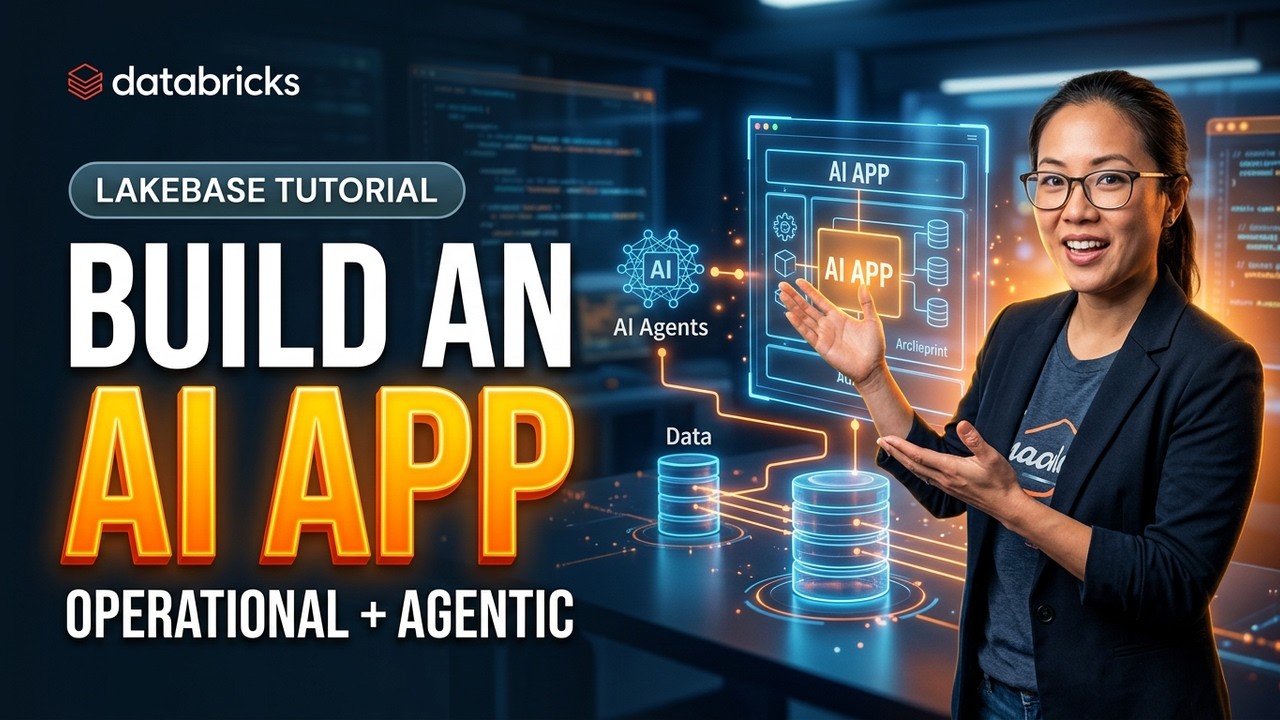
NewsBuilding on Lakebase | Episode 2: Anatomy of an AI app: build the operational + agentic app
This video demonstrates the architecture and deployment of a customer support AI co-pilot built as a Databrics app backed by Lakebase. It walks through configuring a transactional operational store, hybrid search, managed agent memory, and MLflow tracing to power an interactive agentic application.
 Tutorials
Create a Classic Databricks Workspace using AWS Automated Configuration
Databricks classic and hybrid workspaces on AWS can be automatically provisioned using an IAM temporary delegation flow that configures underlying cloud resources and networking. This automated setup process creates necessary cross-account IAM roles, custom VPCs, and workspace storage buckets while handling authorization and resource deployment directly through the Databricks account console.
 News
NewsWhy Is Everyone Using the Databricks AI Platform Kit?
The Databricks AI platform kit enables users to quickly configure a new workspace through a terminal installation process. The tool generates and executes Terraform scripts to automatically deploy necessary cloud resources, networking, and Unity Catalog structures.
 Tutorials
Backend PSC for GCP Databricks: The Setup Most Teams Get Wrong
Configuring Private Service Connect for Databricks on Google Cloud requires creating two separate endpoints in your VPC for the workspace REST API and the secure cluster connectivity relay. These endpoints must then be registered in the Databricks account console and linked via network and private access settings during workspace creation.
 Tutorials
Why Is Databricks Express Setup So Easy?
Databricks express setup provides a no cloud credentials required method to launch a fully managed production capable workspace using a time and credit limited trial. Users can sign up with email, configure account settings and regions, and immediately access features like sample data and serverless compute.